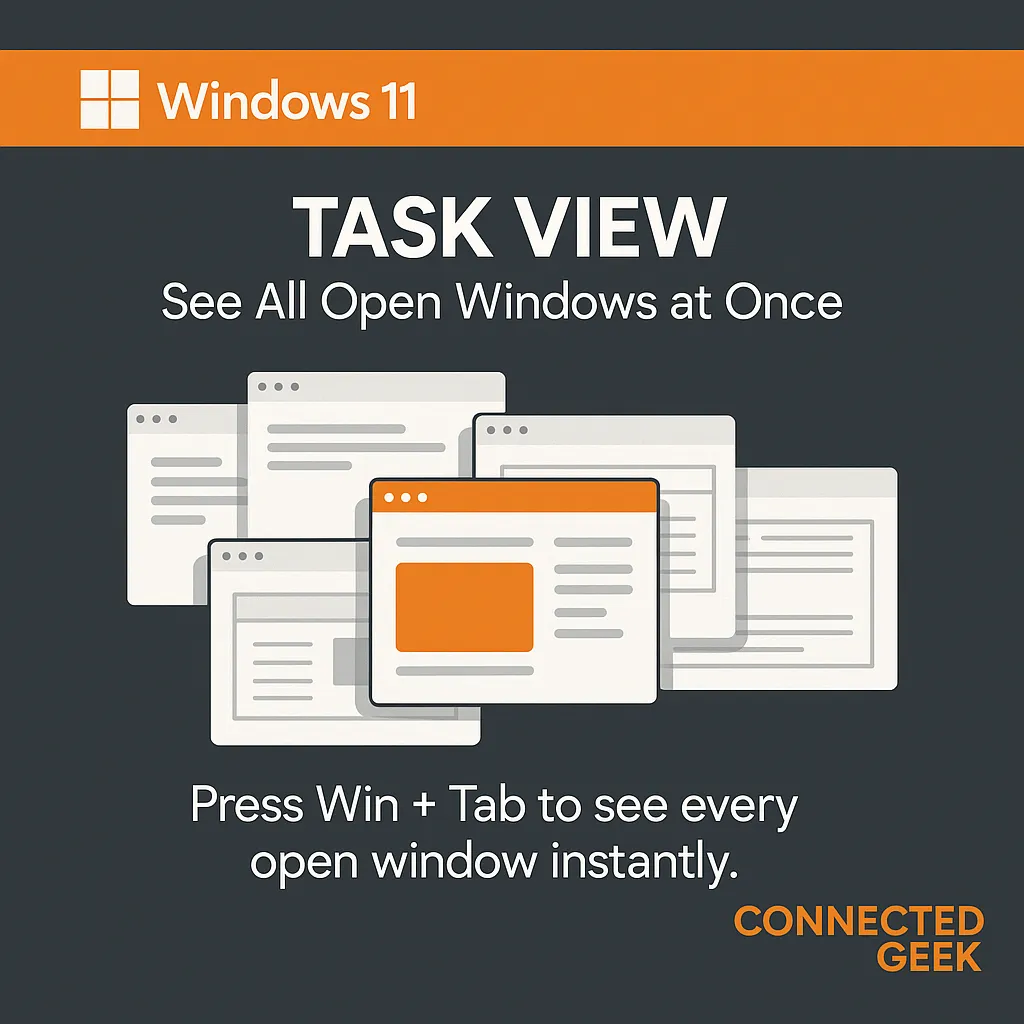
How to Use Virtual Desktops in Windows 11 (Win+Tab)
Published on: 04/05/2026
Create separate desktops for work, personal use, and gaming — then switch between them instantly with Ctrl+Win+Arrow.
Windows 11Virtual DesktopsTask ViewmultitaskingConnectedGeek